
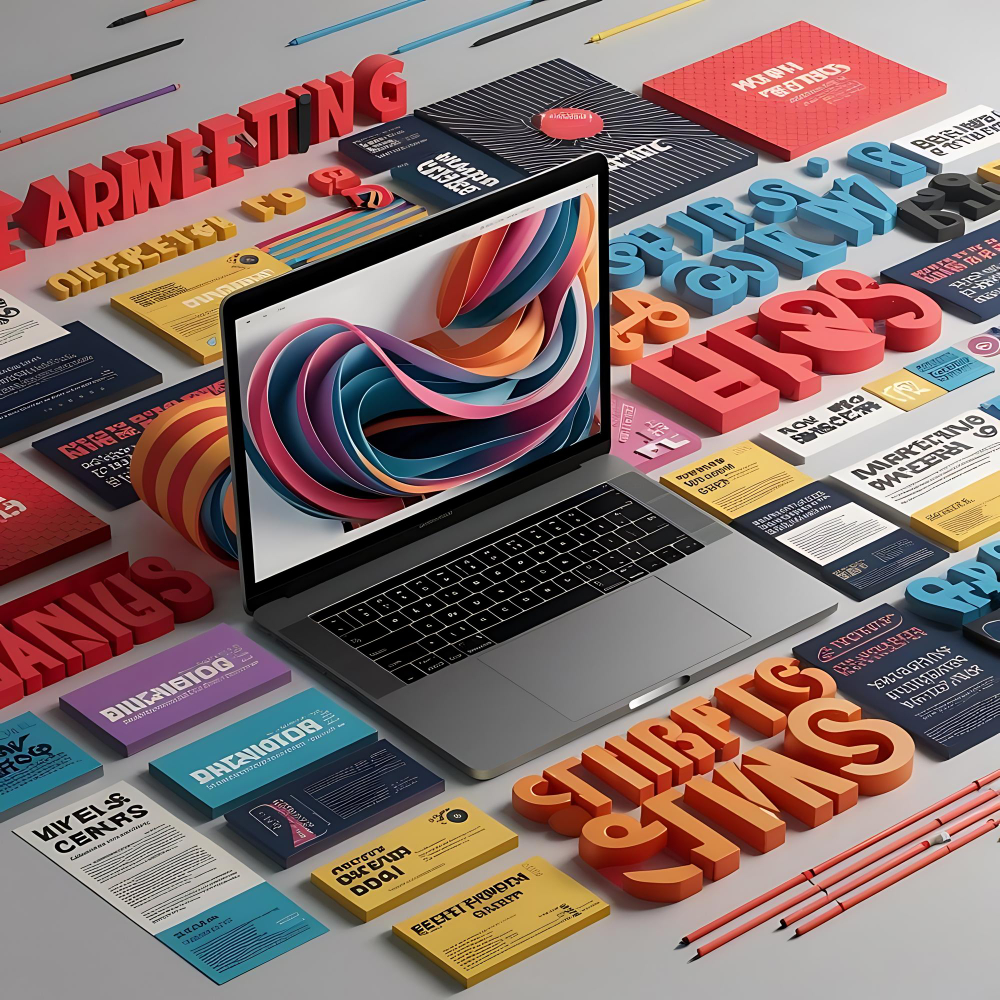
Enhancing Web Design: Mastering Gradients for Websites
Gradients have become a popular design element in modern web design, adding depth, dimension, and visual interest to websites. When used effectively, gradients can enhance user experience, guide attention, and reinforce brand identity. In this guide, we’ll explore the principles of using gradients on websites and provide tips for creating compelling and aesthetically pleasing designs.
Understanding Gradients in Web Design
Gradients are transitions between two or more colors that create a smooth blending effect. They can be linear, radial, angular, or even complex multi-color blends. In web design, gradients are often used to:
- Create Depth and Dimension: Gradients can add a sense of depth to flat design elements, making interfaces more visually engaging.
- Guide User Attention: By using gradients strategically, designers can direct the user’s focus toward important elements such as call-to-action buttons or key messages.
- Establish Visual Hierarchy: Gradients can help differentiate between sections of a website, establishing a clear hierarchy and flow of information.
Types of Gradients
- Linear Gradients: Linear gradients transition in a straight line from one color to another. They are versatile and commonly used for backgrounds, headers, and section dividers. Designers can control the direction (vertical, horizontal, diagonal) and angle of linear gradients to achieve desired effects.
- Radial Gradients: Radial gradients radiate outward from a central point, creating a circular or oval blending effect. They are ideal for highlighting focal points or creating soft, glowing effects around elements like logos or icons.
- Angular Gradients: Angular gradients blend colors in a circular or elliptical pattern, offering a dynamic and eye-catching effect. They can add energy and movement to design elements, making them suitable for backgrounds or large sections of content.
- Multi-Color Gradients: These gradients incorporate more than two colors, creating complex and vibrant transitions. They can be used creatively to evoke emotions or convey brand personality but should be applied with caution to avoid overwhelming the user.
Tips for Using Gradients Effectively
- Keep it Simple: Opt for subtle gradients with gentle transitions to maintain readability and avoid visual overload. Too many colors or abrupt transitions can distract users from the content.
- Contrast and Legibility: Ensure there is enough contrast between text and background gradients to maintain readability. Use darker gradients behind the light text and vice versa to ensure the text stands out clearly.
- Consider Branding: Use colors from your brand’s color palette to reinforce brand identity. Gradients can be a subtle way to incorporate brand colors into the design without overwhelming the user.
- Responsive Design: Test gradients across various devices and screen sizes to ensure they appear consistent and maintain their intended effect. Consider how gradients may behave on different resolutions and orientations.
- Accessibility: Consider accessibility standards when using gradients. Ensure that users with color vision deficiencies can still distinguish between different shades and understand the content.
Examples of Effective Gradient Usage
- Hero Sections: Use a subtle gradient as the background for hero sections to create depth and draw attention to headline text or call-to-action buttons.
- Buttons and Call-to-Actions: Apply gradients to buttons to make them visually appealing and encourage clicks. Use contrasting colors to make buttons stand out from surrounding elements.
- Section Dividers: Use gradients to subtly separate content sections, providing visual cues that guide users through the website’s structure.
- Overlays and Shadows: Apply gradients to overlays or drop shadows to add depth to images or elements, creating a layered effect that enhances realism and visual interest.
Takeaways
Gradients are powerful tools in web design, offering designers endless possibilities to enhance aesthetics, guide user interactions, and reinforce brand identity. By understanding the principles of gradient usage, experimenting with different types and applications, and adhering to design best practices, you can create visually compelling and user-friendly websites that leave a lasting impression.
Embrace the versatility of gradients in your web design projects and leverage their potential to elevate your website’s visual appeal and user experience. Incorporate these tips into your design process to create stunning gradients that captivate users and enhance your brand’s online presence.


